
Creative Project Manager’s Toolkit
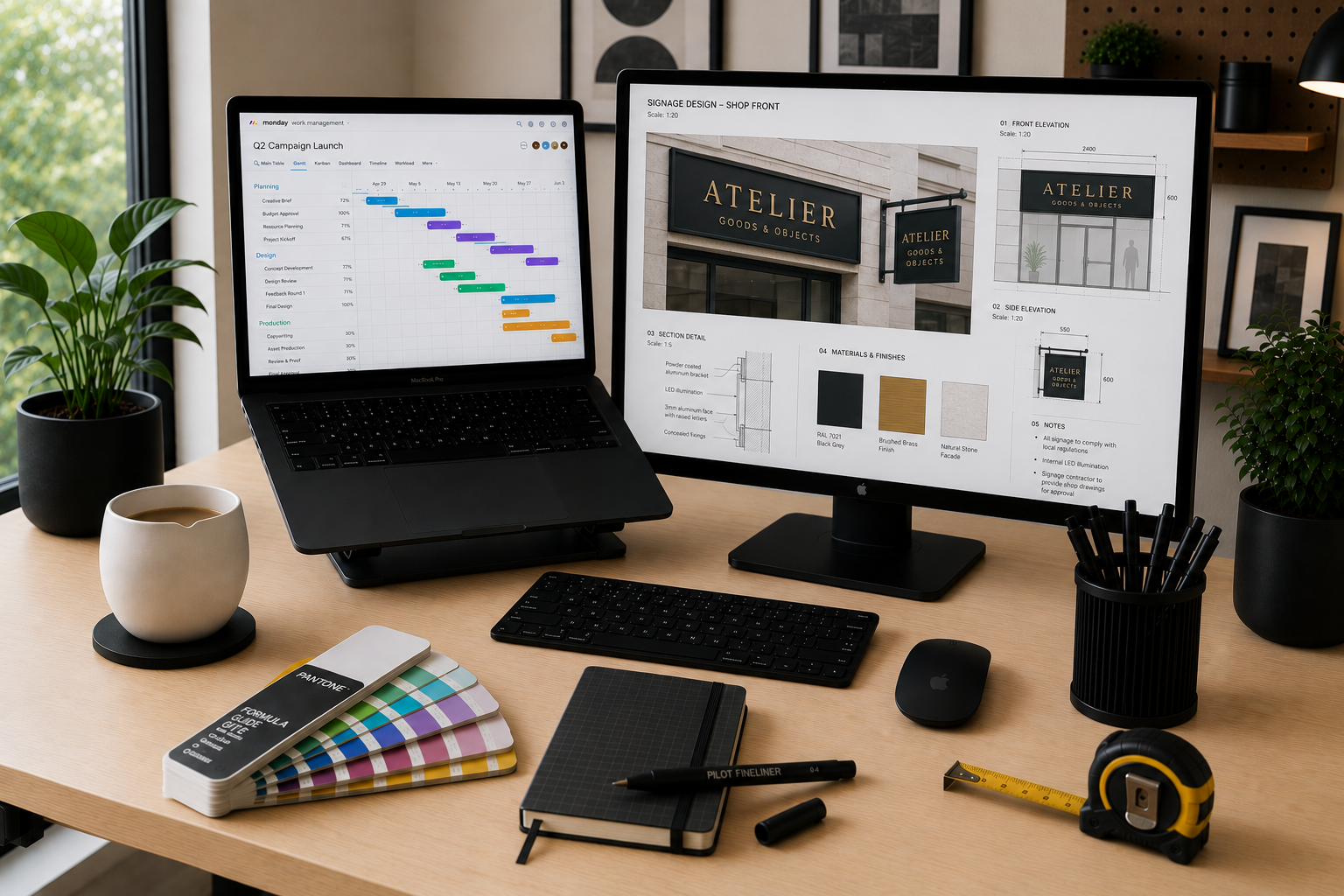
My career has taken me across marketing, design, print production, technology, operations, customer experience, and project management. While the tools and industries have changed, one thing has remained consistent: helping people work together to deliver successful outcomes. That's a big part of why I enjoy being a Creative Project Manager.
Creative Project Management is the practice of planning, managing, and delivering creative work while balancing timelines, budgets, resources, and business objectives. A Creative Project Manager acts as the bridge between creative teams, internal departments, external parties, and other stakeholders to ensure projects are delivered successfully and organizational benefits are achieved. What makes Creative Project Management interesting is the variety of disciplines involved. Throughout my career, I've had the privilege of collaborating with designers, marketers, web developers, print producers, IT teams, operations leaders, HR professionals, finance departments, vendors, and executive leadership. Success often depends less on creating the work yourself and more on helping experts collaborate effectively. Getting the right information to the right people at the right time.
Whether launching a marketing campaign, designing and developing a website, implementing new technology, optimizing operations, managing print production, supporting retail construction, or enhancing customer experiences, Creative Project Managers turn business requirements into measurable results. Success, however, is never achieved alone. It depends on the right combination of people, processes, and tools working together. This toolkit highlights the software, platforms, and resources I rely on most to keep projects on track, teams aligned, and deliverables moving forward efficiently.
Project & Work Management
Monday
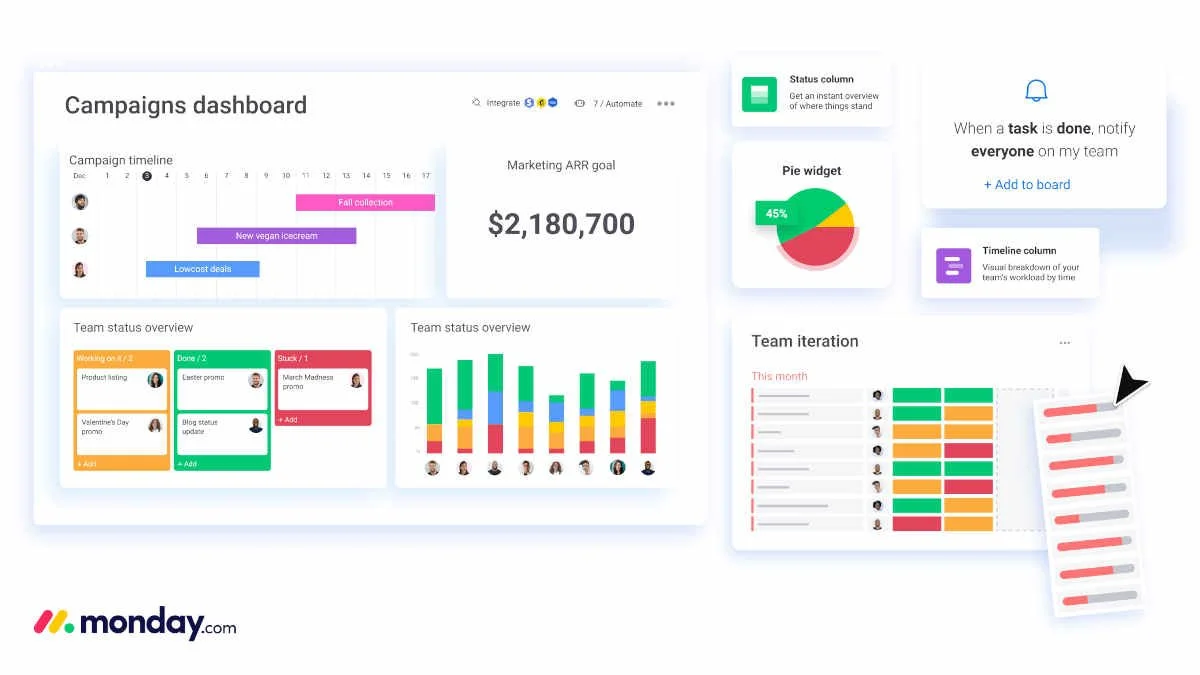
Monday.com is one of my primary tools for managing projects, timelines, tasks, and team collaboration. It provides visibility across stakeholders and helps ensure projects stay on track from initiation to delivery. Whether managing marketing campaigns, website updates, operational initiatives, or cross-functional projects, Monday.com creates a central source of truth for everyone involved.
I also leverage automations to reduce manual work, improve consistency, and streamline workflows. More recently, Monday.com’s AI capabilities, including AI Sidekick and Vibe, have introduced new ways to generate content, summarize updates, automate repetitive tasks, and accelerate project execution. As AI continues to evolve, these capabilities are becoming increasingly valuable for project managers looking to scale productivity without adding complexity.
While Monday.com is my preferred work management platform, there are several alternatives including ClickUp, Asana, Wrike, Smartsheet, Jira, Microsoft Project & Planner, etc. Each platform has its own strengths depending on team size, project complexity, reporting requirements, and organizational preferences. There will never be a “perfect” platform; it’s all about finding the best one for your team or project. The most important factor isn't the tool itself – it's having a system that creates visibility, accountability, and alignment across teams.
Microsoft 365
Microsoft 365 remains the backbone of communication and collaboration in many organizations. Outlook, Teams, SharePoint, Word, Excel, PowerPoint, etc. are all essential tools for project planning, documentation, communication, reporting, and stakeholder engagement. While new tools emerge every year, Microsoft continues to be deeply embedded as an enterprise solution.
Design & Creative Production
Figma
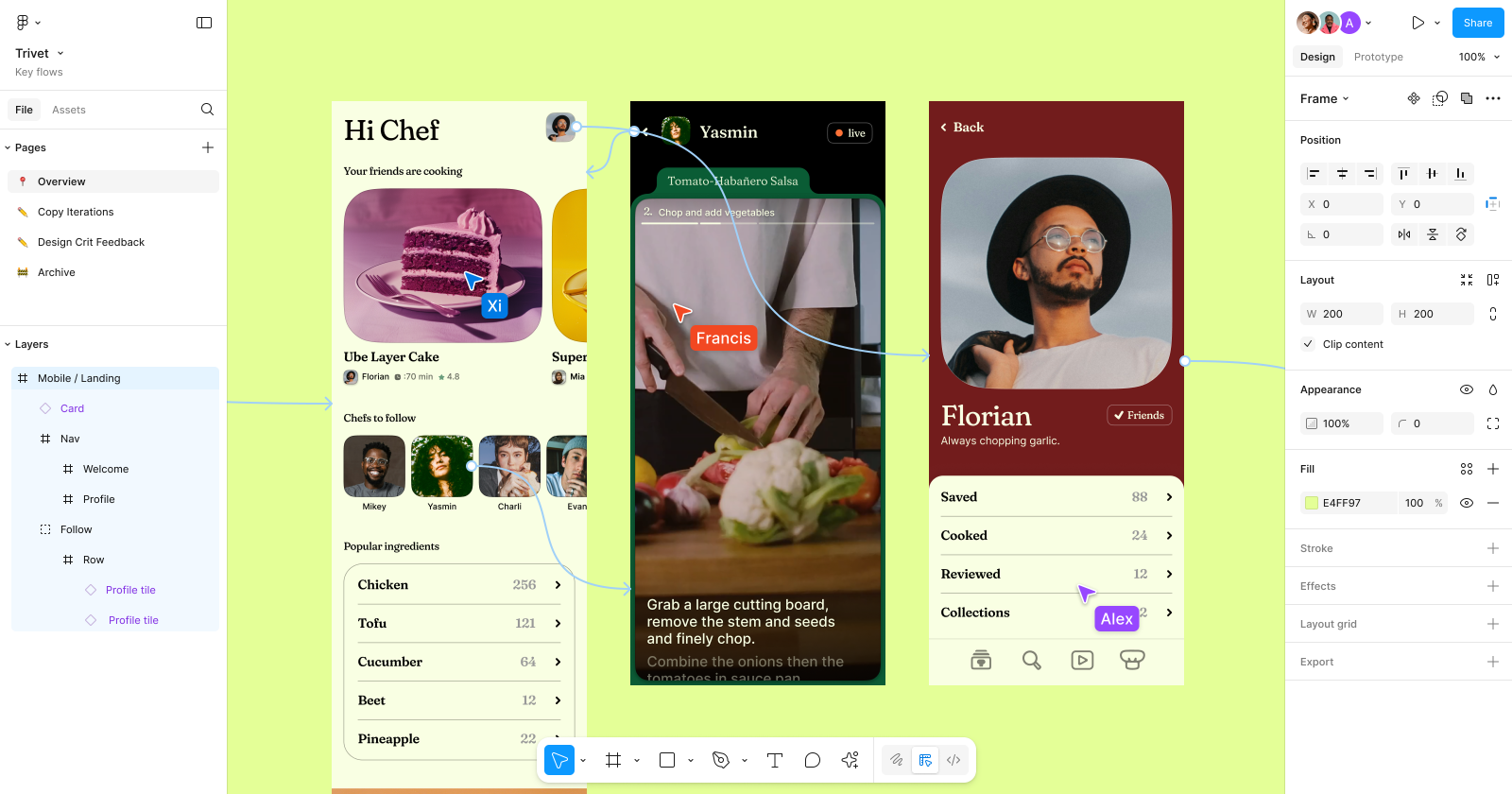
Figma has become the industry standard for collaborative design and one of the most important platforms for modern creative teams. I frequently use FigJam for brainstorming, whiteboarding sessions, workshops, journey mapping, and early-stage wireframing. It provides a collaborative environment where teams can align on objectives, requirements, and workflows before moving into design and development.
Within Figma Design, teams create mockups, user interfaces, prototypes, and design systems that help stakeholders visualize solutions before development begins. I use it regularly to review concepts, provide feedback, track revisions, and collaborate with designers and product teams.
Figma's component-based design system capabilities make it easier to maintain consistency across products, screens, and experiences. Teams can manage reusable components, multiple views, modes, states, and design iterations while ensuring updates remain synchronized throughout a project. This improves consistency while streamlining collaboration between design, development, and business stakeholders.
One of Figma's greatest strengths is collaboration. Team members, guests, clients, vendors, and stakeholders can review designs, leave comments, provide feedback, and participate in discussions without requiring specialized design software. Attributed comments make it easy to see who provided feedback, track decisions, and maintain accountability throughout the review process. This helps reduce confusion, speeds up approvals, and keeps everyone aligned throughout the project lifecycle.
Figma Slides has also become a useful tool for creating presentations directly within the Figma ecosystem, allowing teams to present concepts, strategies, and design solutions without constantly switching between platforms.
Together, these tools make Figma much more than a design application – it's a collaborative workspace that supports the entire creative process from planning to presentation. It's no surprise Adobe saw enough value in the platform to pursue a $20 billion dollar acquisition, which was ultimately called off due to pressure from regulators (Weatherbed, The Verge). Here’s Figma’s take on the terminated deal: The Figma + Adobe deal, explained.
Figma has also embraced AI to help teams move from requirements to prototypes more efficiently. Features such as AI-powered content generation, design assistance, layer organization, image generation, and prototyping support help reduce repetitive tasks and accelerate workflows. While human creativity, strategy, and decision-making remain essential, Figma AI helps teams spend less time on administrative work and more time refining user experiences and solving business problems. For Creative Project Managers, these capabilities can help shorten feedback cycles, speed up design exploration, and improve collaboration between designers, developers, and stakeholders.
Adobe Creative Cloud
Adobe Creative Cloud remains one of the most important toolsets in the creative industry. Applications such as Photoshop, Illustrator, InDesign, and Acrobat support everything from marketing materials and brand assets to print production and document workflows. Even when I'm not creating the artwork myself, understanding Adobe workflows helps improve communication and project execution.
Adobe Firefly represents Adobe's growing investment in generative AI for creative workflows. Integrated across the Adobe ecosystem, Firefly can generate images, expand backgrounds, create variations, assist with content creation, and accelerate creative production tasks that would have traditionally required significant manual effort. While it's not a replacement for creative expertise, it's becoming an increasingly valuable tool for rapid concept development, content generation, and creative exploration. As AI continues to evolve, tools like Firefly are changing how creative teams work, helping them spend less time on repetitive tasks and more time focusing on strategy, storytelling, and design.
Print Production Software
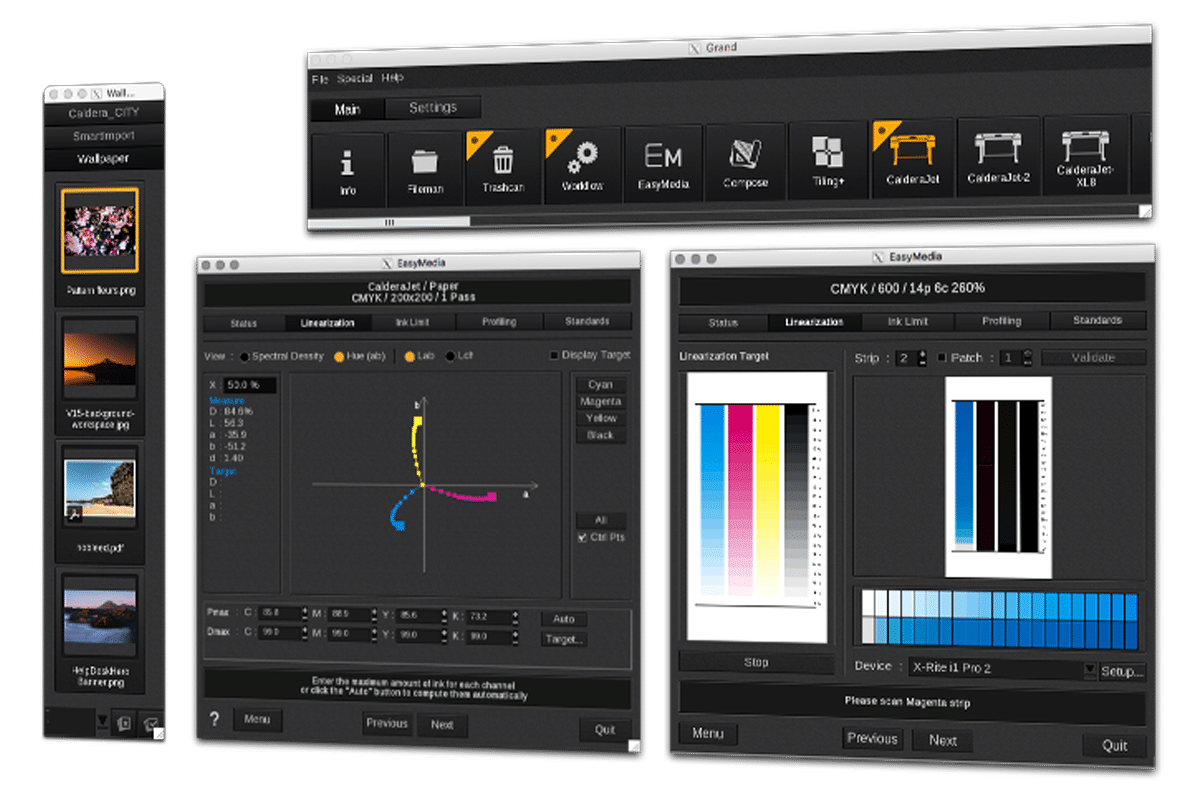
One of the more specialized tools in my toolkit is Raster Image Processor (RIP) software such as Fiery, ONYX, and Caldera. RIP software prepares design files for professional printing by managing colour profiles, resolution, scaling, and production settings. My background in print production taught me the importance of understanding how files move from design to final output. It's the bridge between what designers see on screen and what ultimately gets produced on vinyl, signage, banners, displays, packaging, and other printed materials. Understanding that transition helps reduce production issues, improve quality, and ensure expectations match reality. Great design means very little if it can't be produced accurately.
AutoCAD
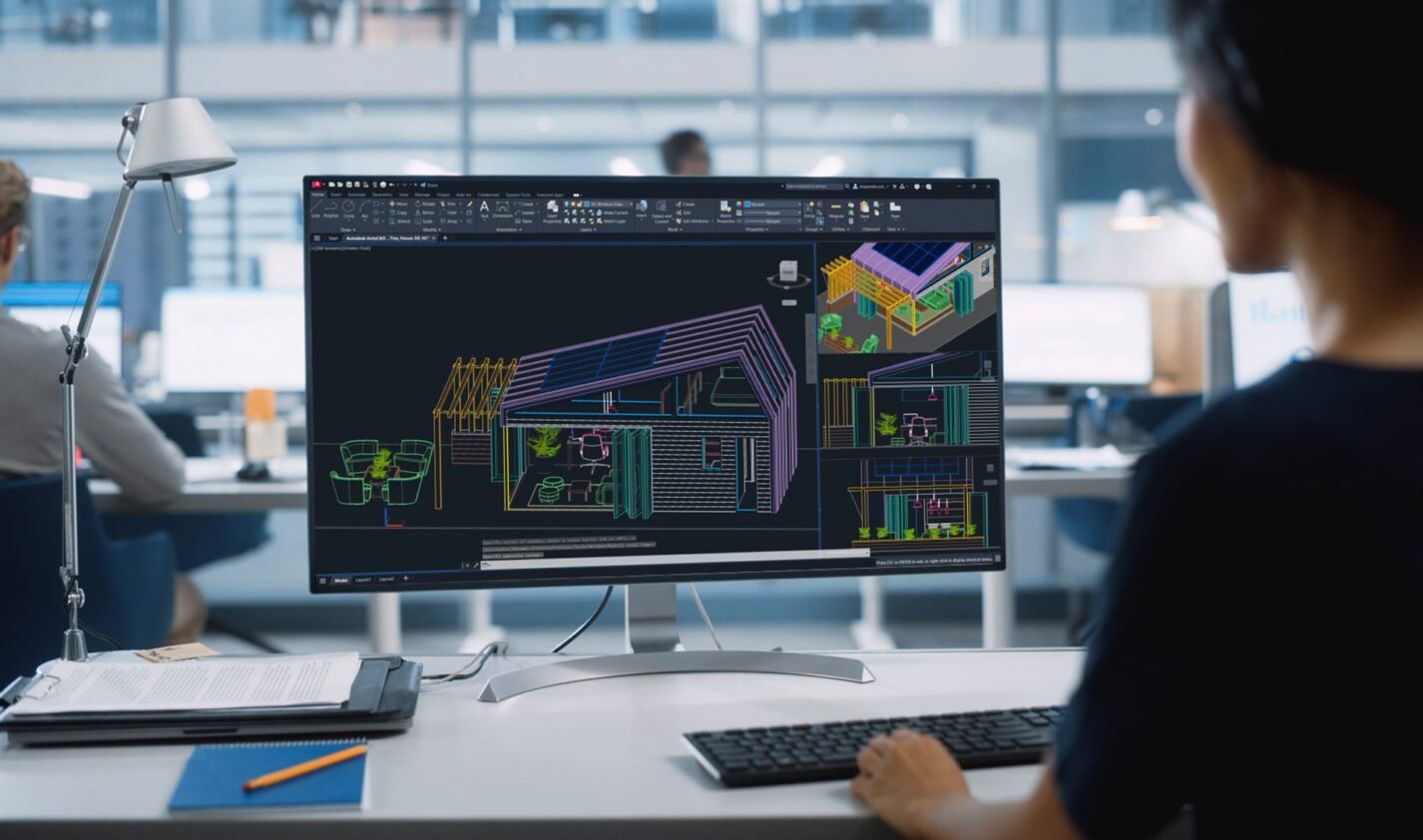
AutoCAD is one of the most widely used computer-aided design (CAD) platforms for creating precise technical drawings, floor plans, elevations, construction documents, and fabrication specifications. Throughout my career, I've worked alongside architects, interior designers, fabricators, and production teams who rely on AutoCAD to develop the technical foundation of a project. While I may not be creating drawings myself, understanding AutoCAD workflows, file requirements, layers, dimensions, and project dependencies helps me manage timelines, coordinate stakeholders, and ensure production deliverables align with design intent.
SketchUp
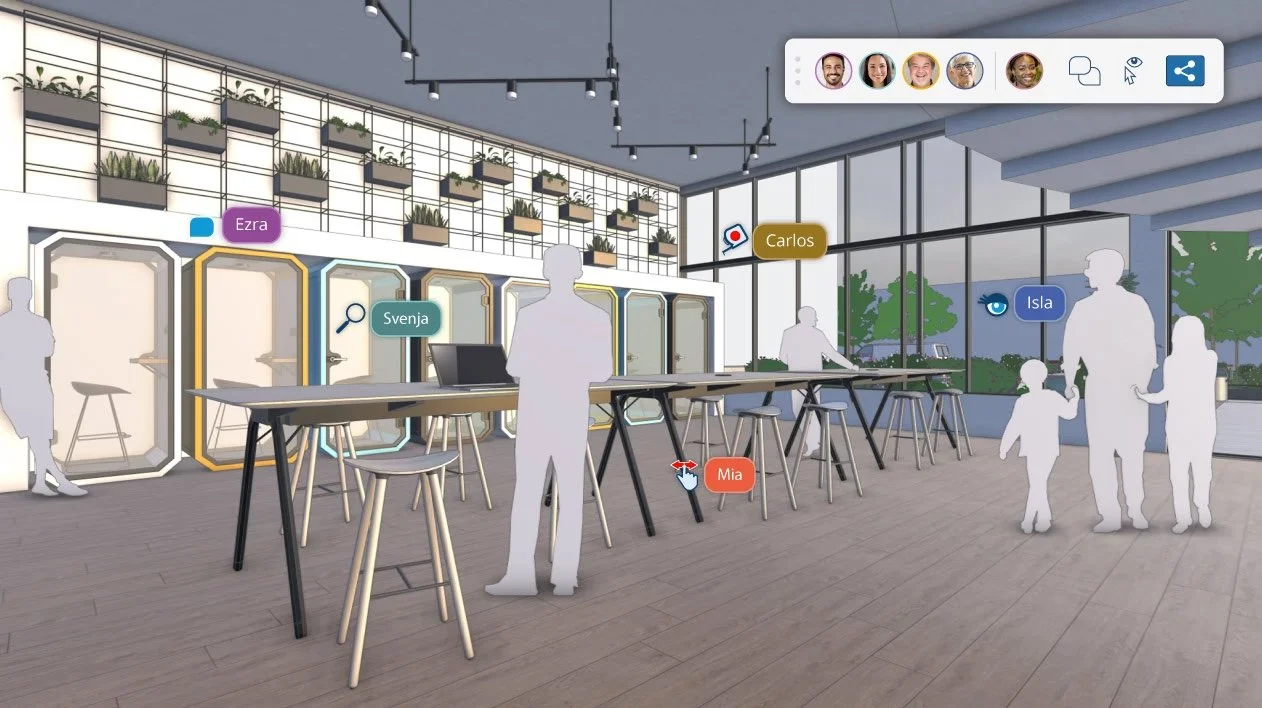
SketchUp is a 3D modeling platform commonly used by store designers, exhibit designers, architects, and environmental design teams to visualize spaces and concepts. In many design workflows, AutoCAD drawings serve as the technical base that is imported into SketchUp, where designers create three-dimensional models to explore layouts, materials, signage placement, customer flow, and overall spatial experiences. While I'm not a SketchUp user, I've worked closely with teams who rely on it extensively. Understanding how SketchUp fits into the design process helps me review concepts with stakeholders, facilitate discussions, and communicate effectively with designers and clients throughout a project's lifecycle.
Revit
Revit is a Building Information Modeling (BIM) platform used by architects, engineers, interior designers, and construction teams to design, coordinate, and document buildings and complex environments. Unlike traditional CAD software, Revit creates intelligent 3D models that contain both geometric and project data, allowing teams to generate plans, elevations, schedules, and construction documentation from a single coordinated model. I've worked with project teams that use Revit to coordinate multiple disciplines, manage design changes, and streamline project delivery. While I may not be building BIM models myself, understanding Revit workflows, model coordination, and documentation processes helps me collaborate effectively with design and construction stakeholders, anticipate project dependencies, and support successful project execution.
One of the realities of Creative Project Management is that you don't need to be an expert in every discipline. Instead, you need enough knowledge to communicate effectively, ask the right questions, understand the deliverables being produced, and bring the right experts together at the right time. Whether a project involves AutoCAD drawings, SketchUp visualizations, or Revit BIM models, our role is to help teams stay aligned, informed, and moving toward a successful outcome.
Service Management
Effective project management isn't just about design tools – it's also about managing requests, workflows, approvals, and cross-functional collaboration. I've worked with teams that rely on service management platforms to organize work, track issues, streamline communications, and improve operational efficiency. Understanding how these systems function helps me coordinate stakeholders, manage priorities, and ensure projects move forward smoothly.
Freshservice
Freshservice is a cloud-based service management platform used by organizations to manage requests, incidents, assets, and internal workflows. Its intuitive interface and automation capabilities make it a popular choice for teams looking to improve operational efficiency and service delivery. Understanding Freshservice workflows helps me collaborate effectively with operational and support teams, track project dependencies, and navigate service-related processes that may impact project timelines.
Zendesk
Zendesk is a customer service and support platform used to manage inquiries, tickets, and customer interactions across multiple channels. Organizations use Zendesk to improve response times, track service performance, and enhance customer experiences. Familiarity with Zendesk helps me understand customer support workflows, service metrics, and the operational considerations that can influence project planning and stakeholder communications.
ServiceNow
ServiceNow is one of the leading enterprise service management platforms used to automate workflows, manage requests, track incidents, and coordinate work across departments. Large organizations often use ServiceNow to centralize processes and improve visibility into project and operational activities. Familiarity with ServiceNow helps me understand workflow dependencies, approval processes, governance requirements, and service delivery standards that can impact project execution and organizational priorities.
Microsoft Dynamics 365
Microsoft Dynamics 365 is a suite of business applications that combines customer relationship management (CRM), enterprise resource planning (ERP), customer service, field service, and operational workflows into a unified platform. Many organizations use Dynamics 365 to manage customer interactions, service requests, business processes, and performance reporting. Understanding Dynamics 365 helps me work effectively with business, operational, and customer-facing teams by providing visibility into how projects, services, and organizational objectives connect across the broader enterprise.
Marketing & CRM
HubSpot
HubSpot is a powerful CRM and marketing automation platform that supports lead generation, customer engagement, and campaign management. I have used it to manage marketing activities, track customer interactions, and measure campaign performance. Its reporting and analytics capabilities help connect marketing efforts to measurable business outcomes and provide valuable insights into the customer journey.
Salesforce
Salesforce is one of the world's leading CRM platforms, providing organizations with valuable customer, sales, and business insights. While commonly used by sales teams, it also serves as a powerful source of customer intelligence that helps inform marketing strategies and business decisions. Understanding customer needs and behaviors enables teams to create more effective campaigns and experiences.
Hootsuite
Hootsuite simplifies social media management by providing a centralized platform for scheduling content, publishing posts, monitoring engagement, and generating performance reports. It helps maintain a consistent online presence across multiple channels while providing analytics that support data-driven social media strategies.
Artificial Intelligence
What would an article about tools be without mentioning AI? AI has become a standard feature across many of the tools we use every day, often working behind the scenes to improve efficiency and automate tasks. Beyond these embedded capabilities, standalone AI platforms enhance productivity, accelerate research, and support decision-making.
ChatGPT
ChatGPT has become an important part of my daily workflow, helping with planning, research, content development, documentation, and problem-solving. It allows me to complete routine tasks more efficiently, organize information, and generate ideas quickly. I view AI as a productivity tool that enhances decision-making and supports higher-quality work.
Gemini
Gemini is a versatile AI platform that I use for brainstorming, quick compositing, and content generation. Its integration with Google's ecosystem makes it particularly useful for working with web-based information and productivity tools. Gemini helps streamline workflows, accelerate learning, and improve efficiency when tackling complex tasks and projects.
Claude
Claude is another AI assistant that I frequently use, particularly for long-form writing, document analysis, and strategic thinking. Its ability to process large amounts of information and maintain context makes it valuable for reviewing reports, synthesizing research, and developing detailed documentation.
Together, these AI tools offer complementary strengths that support productivity, creativity, and informed decision-making. Learning how to effectively leverage AI has become an increasingly valuable skill for project managers and knowledge workers in today's digital workplace.
The Real Toolkit
While software plays an important role, successful Creative Project Management is ultimately about communication, organization, stakeholder engagement, problem-solving, and execution.
The best Creative Project Managers understand enough about creative, marketing, technology, operations, HR, finance, and business strategy to bring the right people together at the right time. We don't need to be experts in every discipline. Our job is to connect experts, remove obstacles, align stakeholders, and help great work get delivered. As tools continue to evolve, the fundamentals remain the same: connect people, align goals, remove obstacles, and help experts do their best work.
What tools are in your Creative PM toolkit? Connect with me and let me know what's working for you!